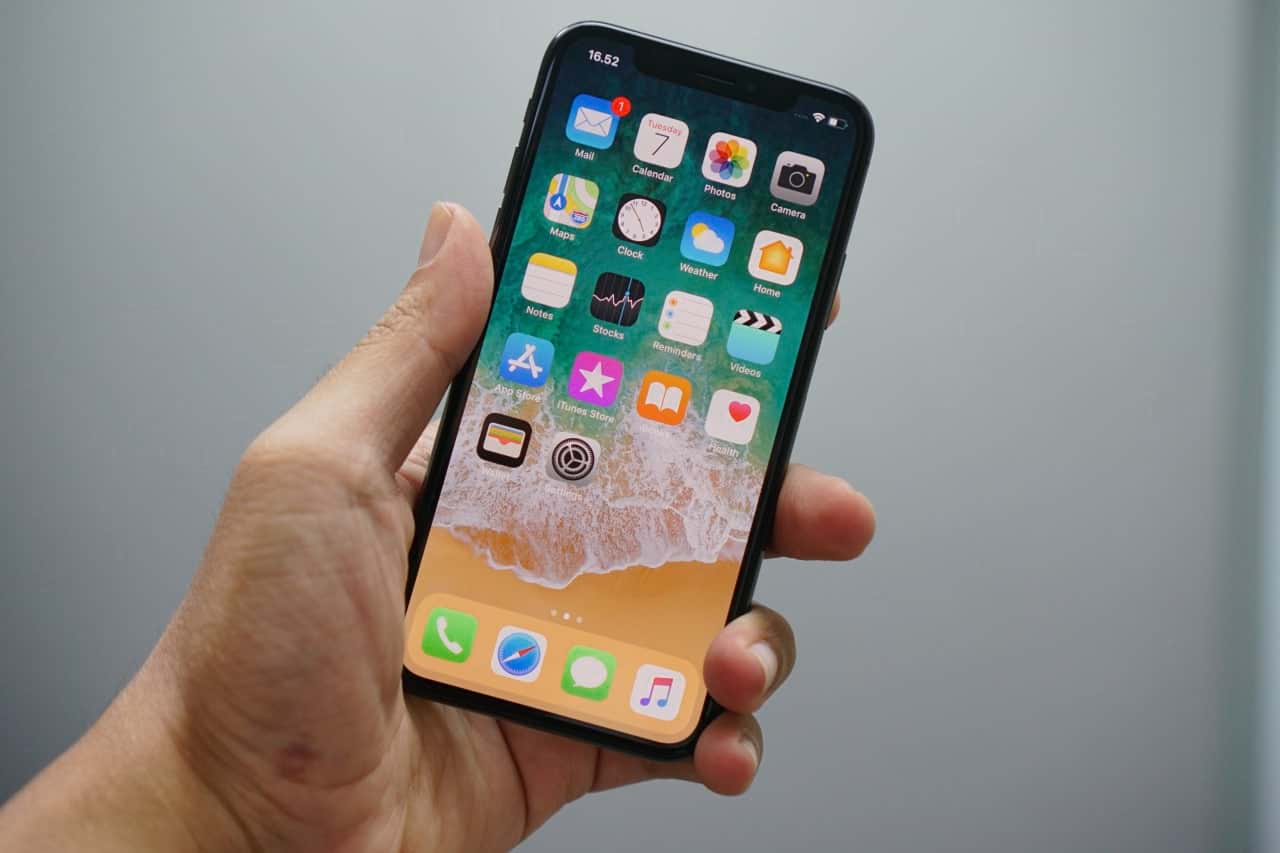

Today, smartphones are equipped with many modern security systems, so hacking an iPhone has become more difficult. But, as experts warn, it is still possible.
In the digital age, it is important to protect not only your device, but also the personal data stored on it. Especially because attackers can access them without being noticed. Often the user does not even immediately realize that his phone is compromised.
Cybersecurity expert Amy Mortlock of Shadow Dragon spoke with She Finds about the top two signs that could indicate a hack and explains how to minimize the risks.
1. The battery drains too quickly
A sharp reduction in battery life is not always associated with a breakdown or poor quality cable. Sometimes the cause is malware.
“If your iPhone suddenly starts draining faster without changing your usage habits, that’s a red flag,” says Mortlock.
According to her, in such cases, a hidden application may be running on the system. It uses device resources, heats up the phone and actively consumes charge.
You can check this in Settings → Battery. If an unknown or suspicious one appears in the first place in the list of applications, you should be wary.
2. Unknown applications on the screen
Another warning sign is the appearance on the screen of programs that you did not install.
“If you see unknown applications, this is a serious cause for concern. Sometimes this is how hackers introduce spyware to monitor user actions or steal personal data,” the expert warns.
Mortlock adds that such programs can camouflage themselves with innocuous names and be invisible at first glance.
How to protect your data and device
The expert advises starting with the simplest thing – regularly updating iOS.
“Updates often contain important security patches that fix vulnerabilities already known to hackers. It’s best to turn on automatic updates so you don’t miss critical fixes,” says Mortlock.
She also recommends using complex methods of protection.
“Set a six-digit passcode instead of a four-digit one. Activate Face ID or Touch ID. And for Apple ID, enable two-factor authentication. This creates several layers of protection: even if an attacker finds out your password, he will not be able to log in without a second confirmation,” explains the expert.
Cursor previously wrote about how sports affects heart health – research.